
// uv-flachbett · platzierung
// uv flatbed · placement
Das Motiv sitzt genau dort, wo es soll.
The motif lands exactly where it should.
UVTESSERA platziert Motive passgenau auf dem Bett deines UV-Flachbettdruckers. Du fotografierst das bestückte Bett, markierst Objekt und Motiv im Foto und exportierst eine bettgroße Druckdatei.
UVTESSERA places motifs precisely on the bed of your UV flatbed printer. You photograph the loaded bed, mark the object and motif in the photo, and export a bed-sized print file.
Nach dem Kauf erhältst du den Installer und deinen Lizenzschlüssel über den Bezahldienst.
After purchase you receive the installer and your license key via the payment provider.
// das eigentliche problem
// the real problem
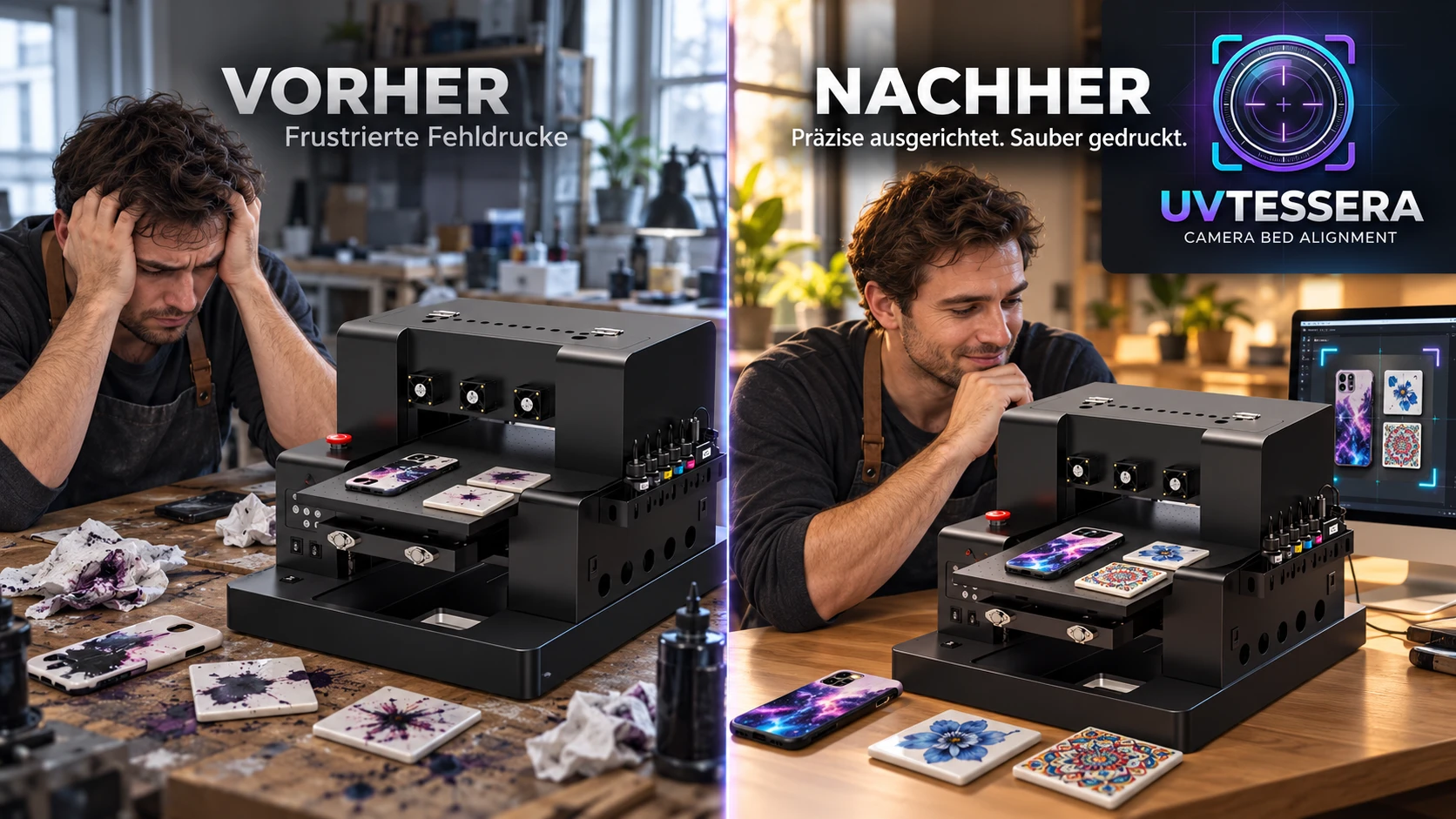
Die Drucker drucken gut. Das Platzieren ist schwer.
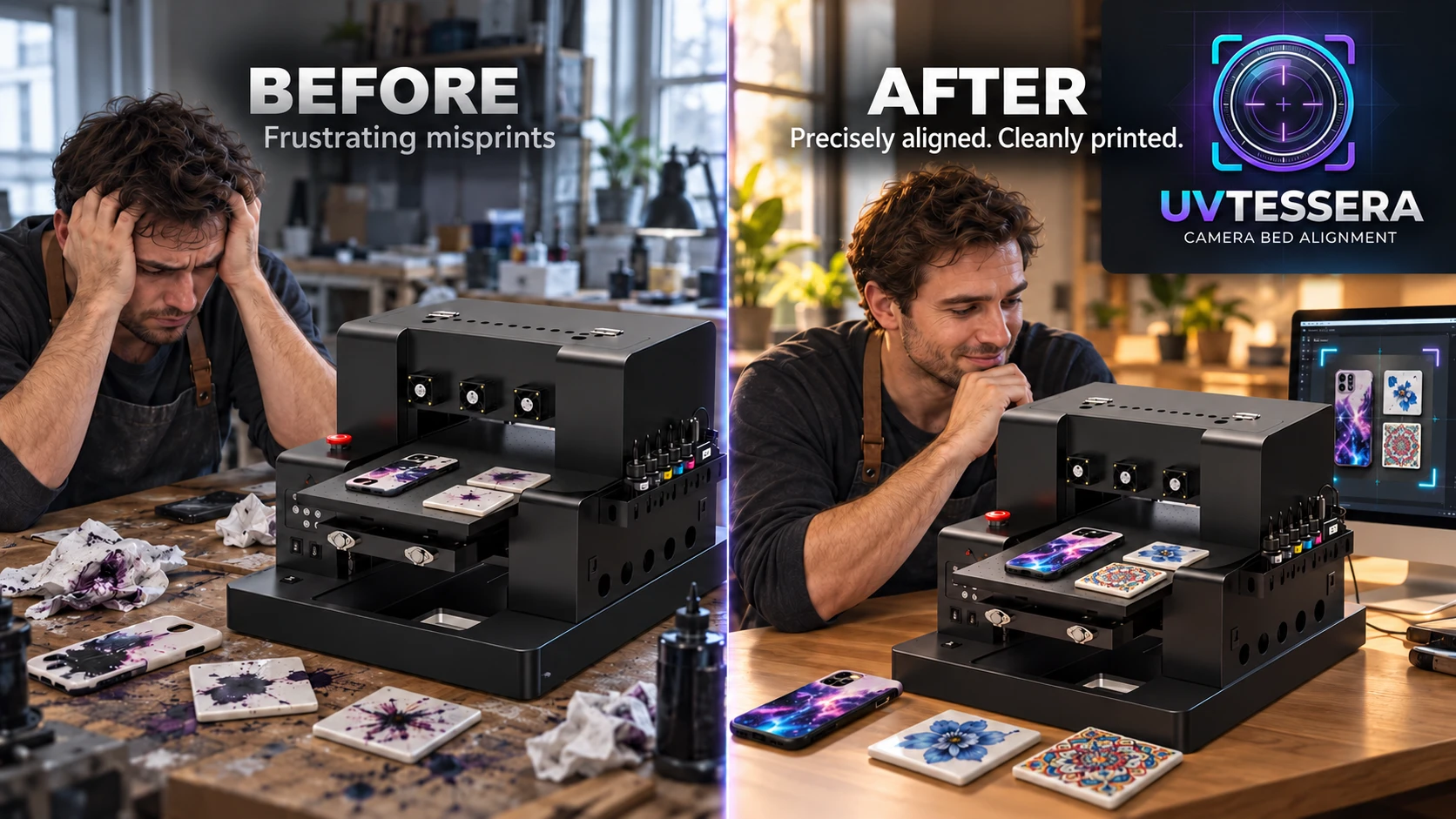
The printers print well. Placing is the hard part.
Auf dem Bett liegt ein Objekt, etwa eine Handyhülle, eine Fliese oder ein Glas, und das Motiv soll genau darauf sitzen. Der Drucker zeigt dir aber nicht, wo er gleich druckt.
Üblich ist: ausmessen, das Motiv im Bildprogramm mit Hilfslinien setzen, einen Testdruck machen, korrigieren und erneut drucken. Jede Abweichung kostet Zeit, Tinte und oft das Objekt selbst.
Schon wenige Millimeter daneben sind sichtbar, und die Lage ändert sich von Druck zu Druck, wenn das Objekt nicht jedes Mal exakt gleich liegt.
UVTESSERA macht die Lage sichtbar. Du fotografierst das Bett mit vier Markern, markierst das Objekt im Foto, legst das Motiv darauf und exportierst eine bettgroße Datei. Die Position wird aus den Markern berechnet, nicht geschätzt.
There is an object on the bed, such as a phone case, a tile or a glass, and the motif has to sit exactly on it. But the printer does not show you where it is about to print.
The usual way: measure, place the motif in an image editor with guides, make a test print, correct, and print again. Every deviation costs time, ink and often the object itself.
A few millimetres off is already visible, and the position changes from print to print if the object does not sit exactly the same way each time.
UVTESSERA makes the position visible. You photograph the bed with four markers, mark the object in the photo, place the motif on it, and export a bed-sized file. The position is calculated from the markers, not estimated.
// ablauf
// workflow
Was es tut
What it does
Foto vom Bett
Photo of the bed
Das Bett mit vier Markern fotografieren. Die Marker werden im Bild erkannt.
Photograph the bed with four markers. The markers are detected in the image.
Objekt und Motiv
Object and motif
Objekt umranden, Motiv platzieren, drehen und in der Größe anpassen.
Outline the object, place the motif, rotate it and adjust its size.
Druckdatei
Print file
Bettgroße PNG-Datei mit 300 dpi und den Positionswerten für deinen Drucker.
Bed-sized PNG file at 300 dpi with the position values for your printer.
// voraussetzungen
// requirements
Was du brauchst
What you need
- Windows 10 oder Windows 11
- Ein Foto vom Druckbett, zum Beispiel mit Smartphone oder Webcam
- Edge oder Chrome, ein installierter Browser reicht
- Ein UV-Flachbettdrucker, der die exportierte Datei über sein RIP-Programm druckt
- Windows 10 or Windows 11
- A photo of the print bed, for example with a smartphone or webcam
- Edge or Chrome, one installed browser is enough
- A UV flatbed printer that prints the exported file via its RIP software
// installation
// installation
Installation
Installation
Der Installer hat (noch) kein Code-Signatur-Zertifikat. Windows SmartScreen zeigt deshalb beim Start eine Warnung. Über „Weitere Informationen“ und „Trotzdem ausführen“ startet das Programm.
The installer does not have a code signing certificate (yet). Windows SmartScreen therefore shows a warning at start. Choose “More info” and then “Run anyway” to start the program.